
imCAD understands natural language, no special syntax needed. But just like briefing a new engineer, the clearer the request, the closer the result. These five tips help imCAD get it right the first time.
1. Give all key dimensions, in mm by default
Diameters, lengths, thicknesses, hole spacing: write down the ones that matter. imCAD works in millimetres and degrees; no need to add units if you use mm.
Base plate 200x120, 12 thick, 4 × Ø10 holes 15 from the edges, R10 on all 4 corners.
2. State the origin and orientation when it matters
If the part has to fit an existing assembly, tell imCAD which face lies on which plane and which way to extrude. For example: "centre bore at the origin, bottom face on the Top Plane".
3. Name the material up front
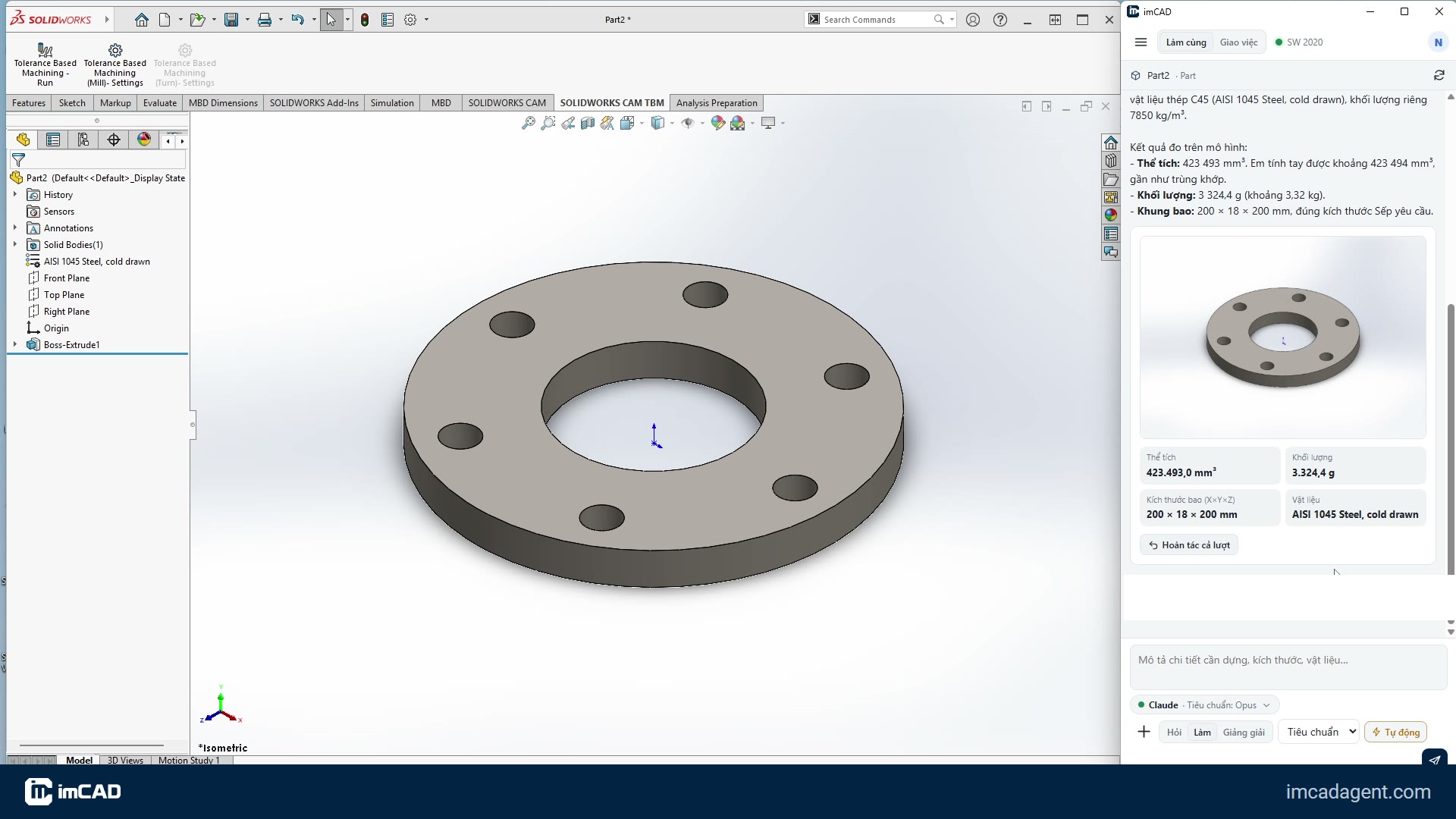
With a material, imCAD assigns it and reads the mass after building, so you can check it against a hand calculation. For example: C45 steel, 6061 aluminium, SS400.
4. One part per request
Build parts one at a time, then assemble. Short requests keep the plan short and easy to review. For long, repetitive jobs across many files (drawings, STEP export for a whole folder), use Delegate mode to run them in the background.
5. Read the plan, fix just the wrong step
With the Plan approval level, imCAD shows its steps and a sketch before building. If something is off, just say so. If a step turns out wrong after building, name that step, e.g. "the hole step has the wrong diameter, make it Ø12": imCAD redoes only that step and keeps the rest. To discard the whole turn, click Undo whole turn.
Attach a photo or a drawing
Drag a hand sketch or a PDF drawing into the chat. imCAD reads the dimensions from it; you only add what the drawing does not show, such as thickness or material.