
A CAD model is an engineer's asset: one wrong feature can ripple through an assembly and its drawings. That is why imCAD is designed so you always know what the AI will do beforehand, and can always go back.
Three approval levels
- Step by step: asks before every change to the model. Good while you are getting started or learning.
- Plan: approve the plan once, then imCAD runs it all. This is the recommended default.
- Automatic: runs without asking, including deletes and overwrites. imCAD always saves a safe copy at the start of each turn so you can undo.
A sketch before building
At the Plan level, imCAD sketches the part as it imagines it, each step in a colour matching its line in the plan. You can spot what is off at a glance, before any feature is created.
One wrong step, one step redone
If a build step is not right, imCAD redoes only that step and keeps the others, instead of rebuilding from scratch. To discard the whole turn, click Undo whole turn.
Self-checks after building
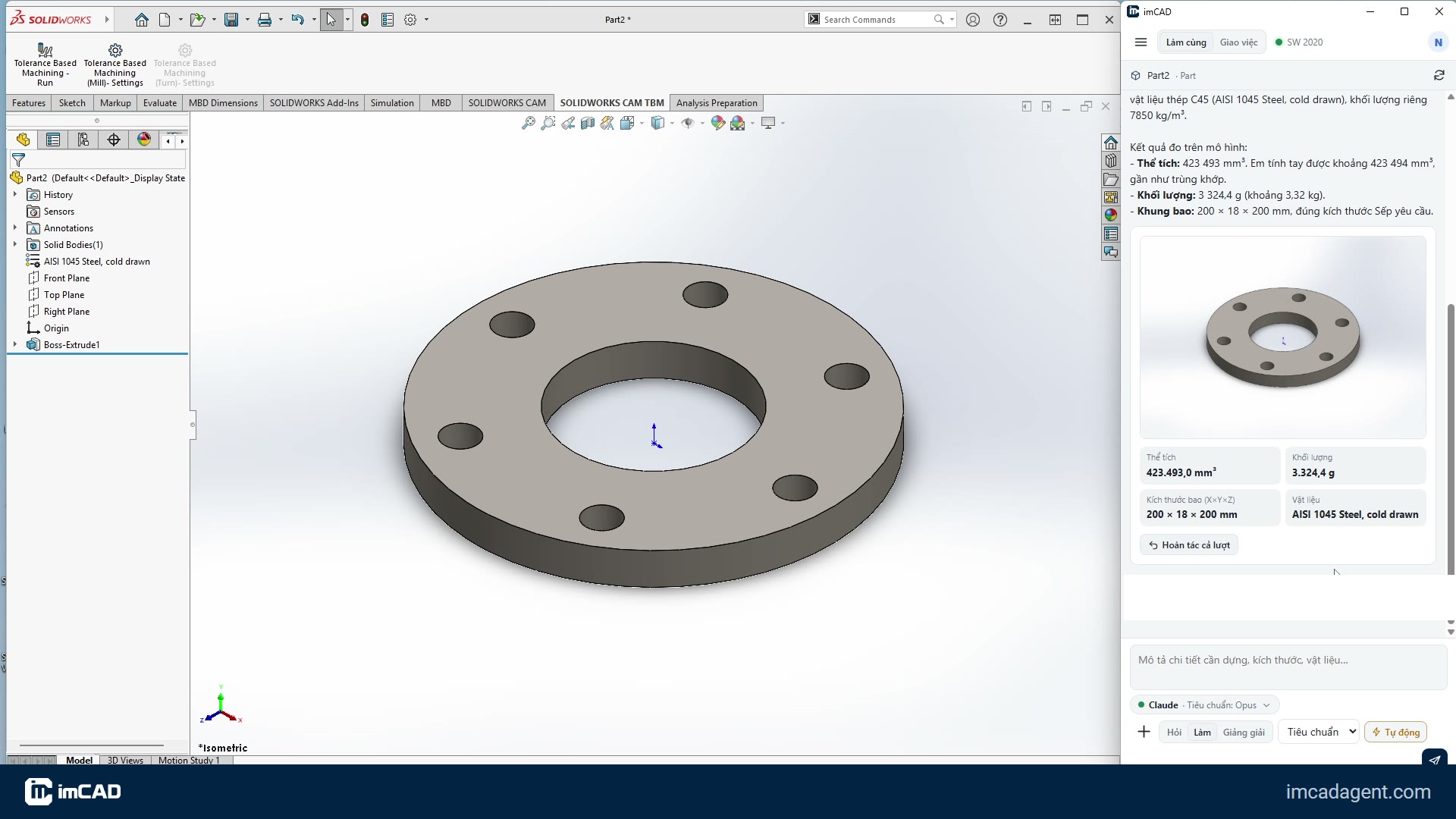
After every build, imCAD reads back volume, bounding box and mass (when a material is assigned) to compare with the dimensions you asked for. See an example in Building a DN80 flange from one sentence.